Ravox KitSurfaces
Carousel
Built on the browser's scroll-snap: touch, inertia and trackpad work as in a normal scroll. Arrows, dots, keyboard, mouse drag, several slides at a time and autoplay that pauses on hover and focus and doesn't even start with reduced motion.
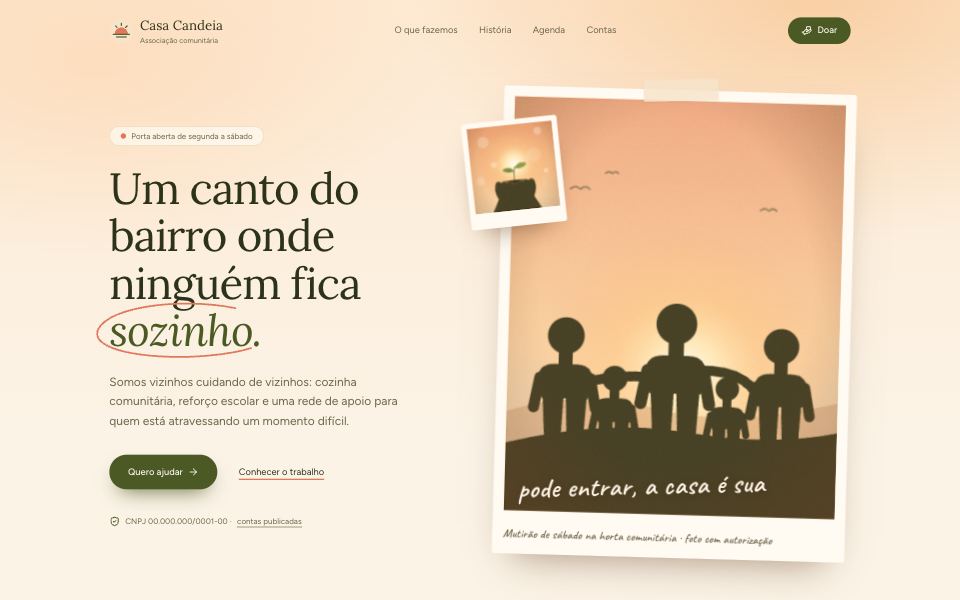

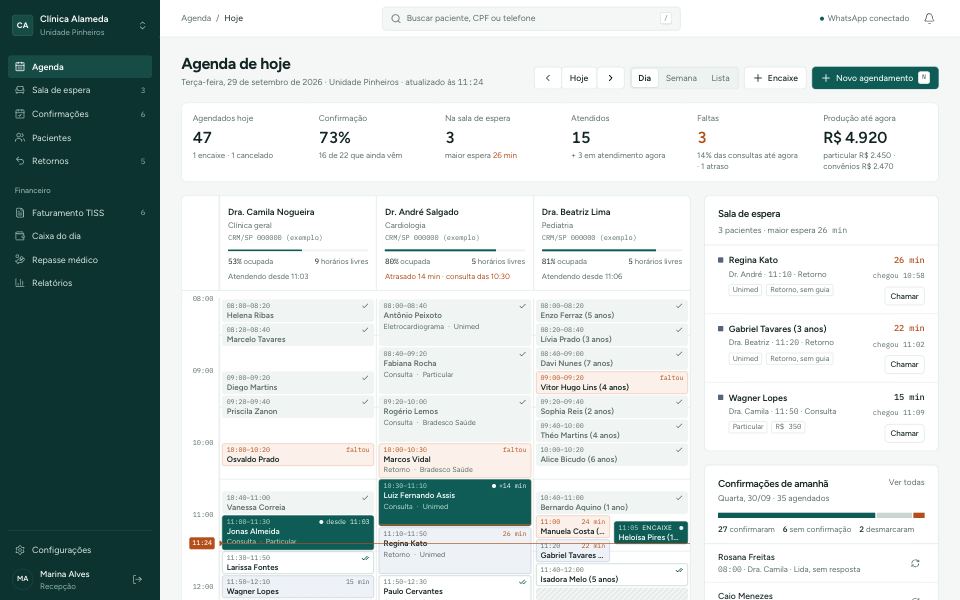
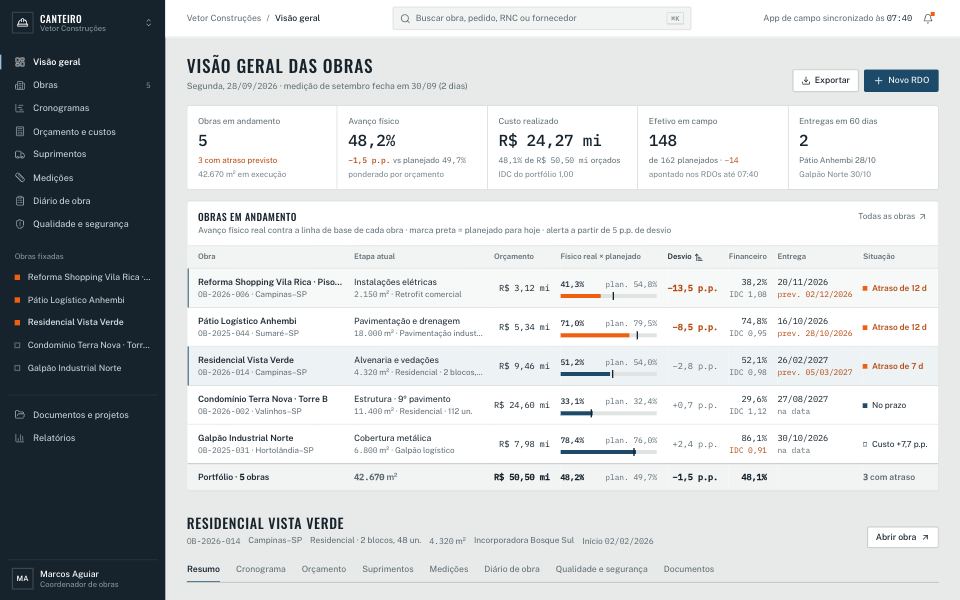
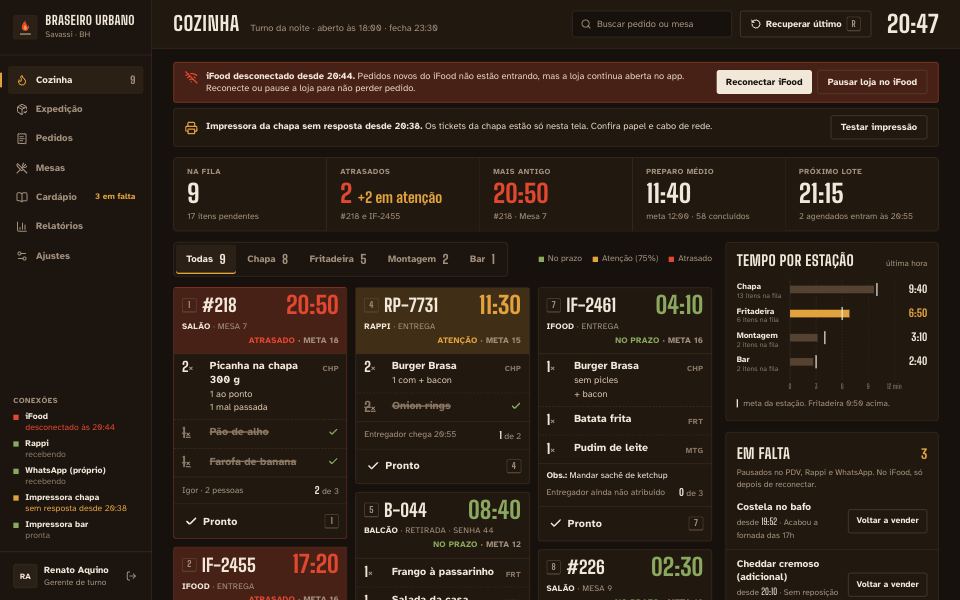

Settings
Toggles
Examples
Several at a time, depending on the screen
Notices with autoplay and pause
Arrows on top, custom counter
Installation
The command creates components/ui/carousel.tsx in your project and installs the theme with it. The file is yours: edit it as you like.
npx @ravox-ui/cli add carouselProps
| Prop | Type | Default | Description |
|---|---|---|---|
| label | string | — | Carousel name for screen readers. Required (Carousel). |
| slidesPerView | number | 1 | Slides visible together. Per screen size, use classes: [--slides-per-view:1] md:[--slides-per-view:3] (Carousel). |
| gap | number | 16 | Space between slides, in px (Carousel). |
| loop | boolean | false | From the last back to the first, and vice versa (Carousel). |
| autoplay | number | — | Advances on its own every given number of ms. Pauses with the mouse over it or focus inside, and turns on loop (Carousel). |
| onSlideChange | (page: number) => void | — | When the page changes, starting from 0 (Carousel). |
| CarouselContent / CarouselItem | ComponentProps<"div"> | — | The scrolling track (focusable: ← → Home End) and each slide, read as "2 of 5". |
| CarouselPrevious / CarouselNext / CarouselDots / CarouselPause | ComponentProps<"button"> | — | The controls. Place them anywhere inside the Carousel; CarouselPause only appears with autoplay. |
| useCarousel() | { page, pageCount, goTo, prev, next } | — | To build your own controls (thumbnails, counter). |