One command,
done.
npx @ravox-ui/cli add button
› a neon button for checkout
ravox · buscar_componentes
1. Neon cintilante · HTML + CSS
.btn {
background: #ffb400;
rotate: -2deg;
box-shadow: 4px 4px #000;
}
Ready-made UI
built by the community
417 components and 65 designs. Free for personal and commercial use.
Use Ravox UI with
ClaudeCode
 Code
CodeConnect the MCP and just ask: Claude searches the community, installs the Kit and applies the theme to your project.
claude
› build a login screen with the Kit and apply the Maresia theme
ravox · listar_blocos · ver_tema
✓ login-01 installed, theme applied to globals.css
Bought a design? The package ships with DESIGN.md, which Claude follows to apply it to your project.
Complete designs
Not just the button.
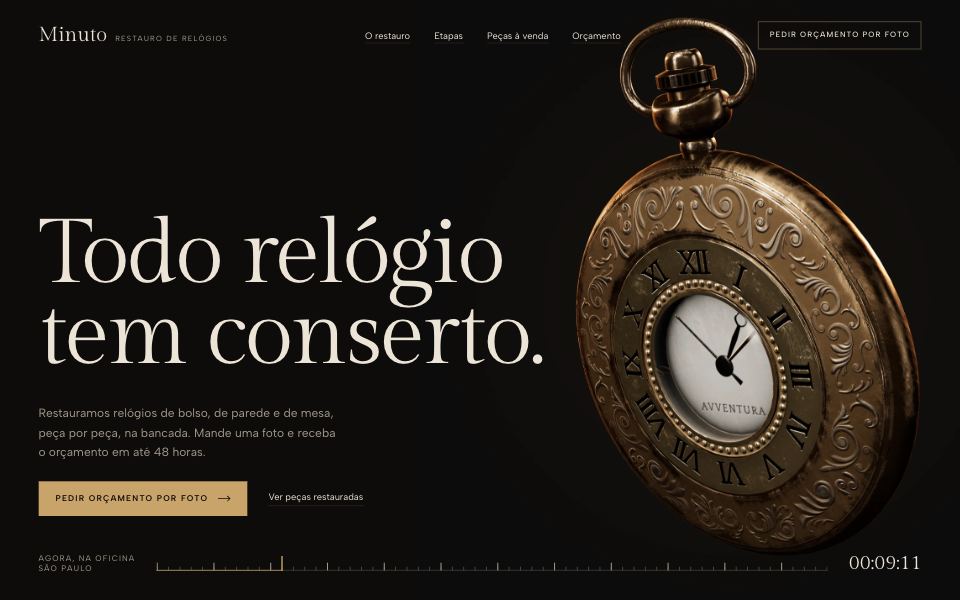
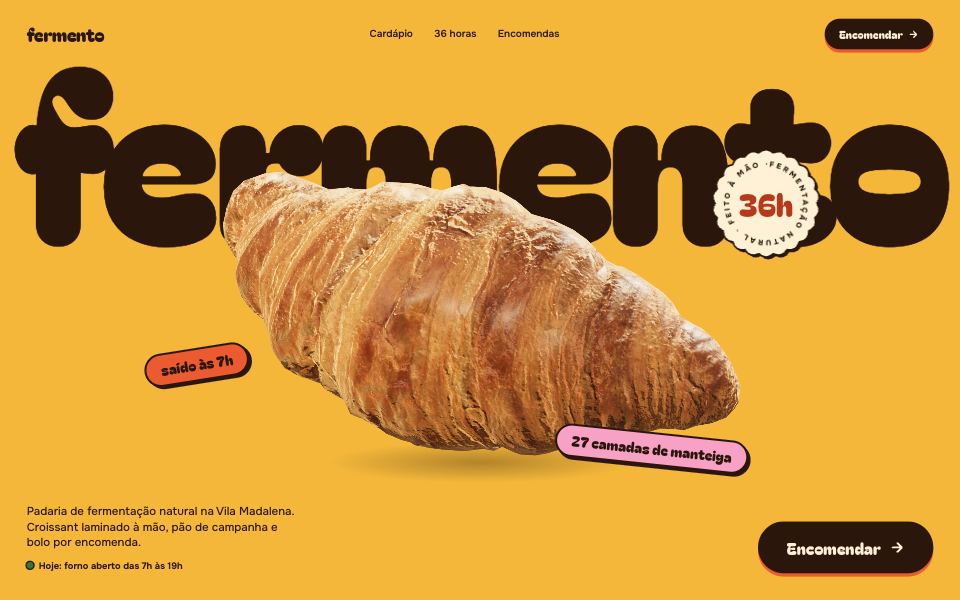
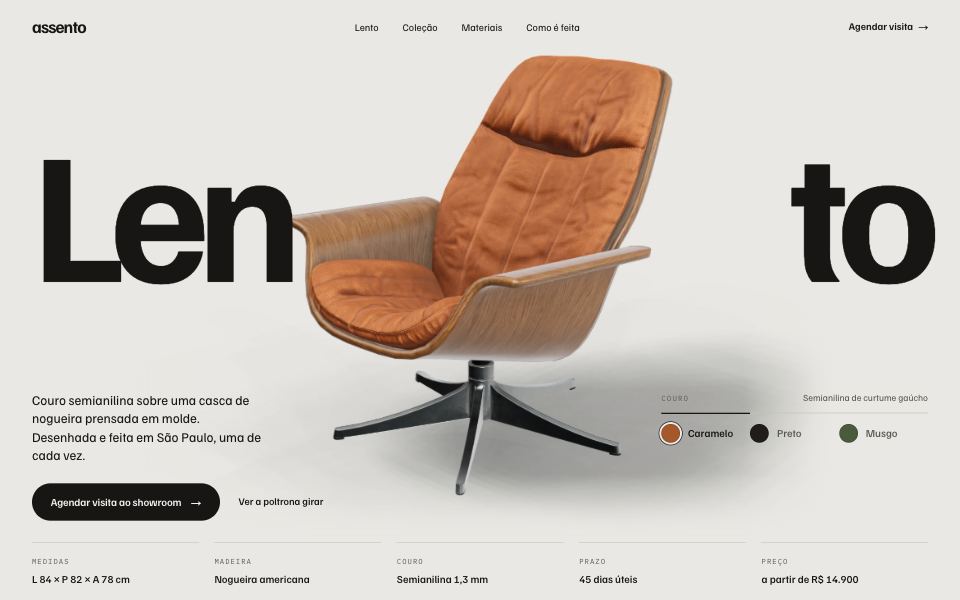
The whole site.
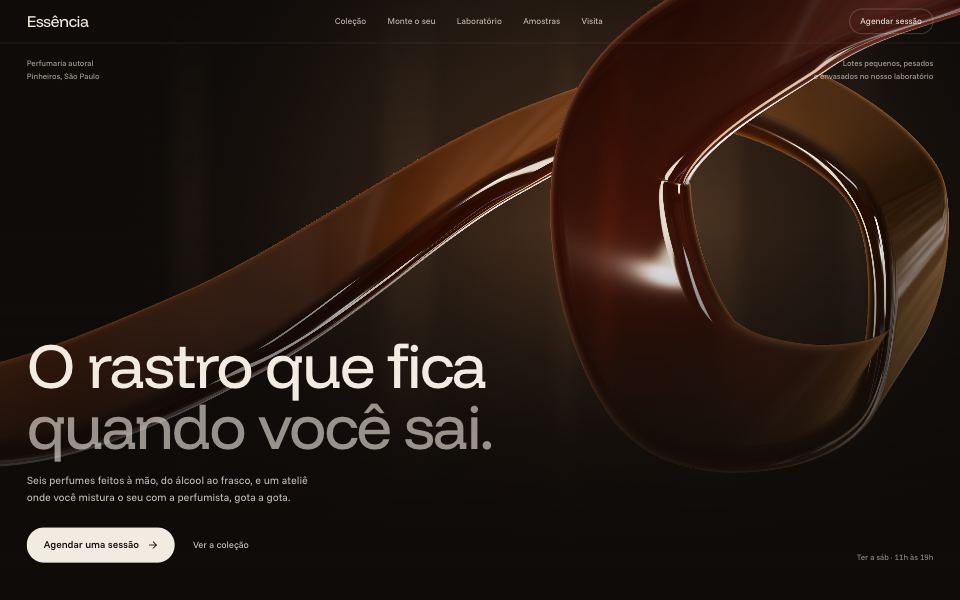
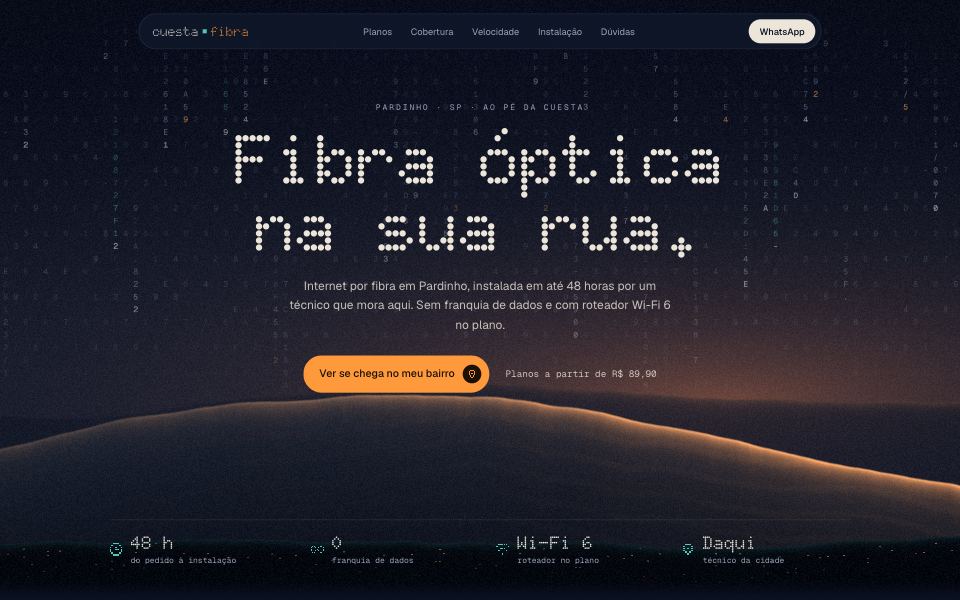
65 landing pages and admin dashboards with palette, fonts, rules and the finished screen. From clinics to festivals.
Buttons
Click any of them to open the code.
Toggles
Switches that do something when you flip them.
Loaders
Make the wait part of the interface.
Ravox Kit
React + Tailwind components with our own identity. One command and they are in your project.
Browse the libraryBrowse by tags
From style to subject: what the community tags the most.
Most used
Show the other 38 tagsCollapse
Got a great component?
Send it to the gallery.
Write it in HTML and CSS or Tailwind with a live preview. After review, it joins the gallery with your name on it.
Create component