Figma plugin · 10 free a month
Any website, editable in Figma
Paste a link and the page arrives as real layers, not a screenshot: auto layout, color variables and text styles. From Ravox UI or any public website, in 4 widths.
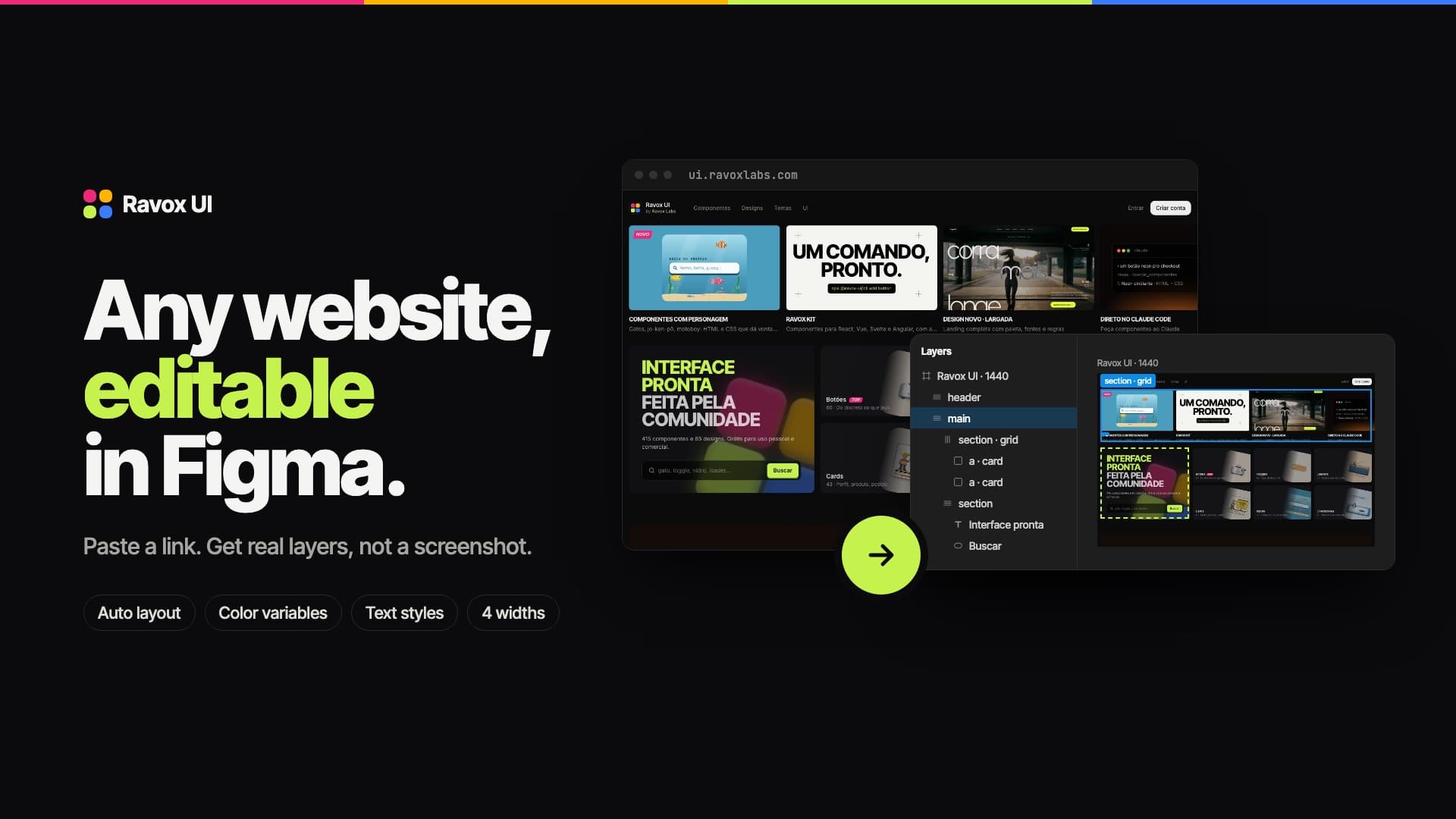
What you get in Figma
Auto layout
Flex containers become auto layout frames, with spacing, alignment and direction already set.
Color variables
The page colors become a variable collection bound to the layers.
Text styles
Every font, size and weight combination becomes a reusable text style.
Effects
Gradients, shadows, borders, blur, rotation and gradient text. Iframes, canvas and video become images.
How it works
- 01
Install the plugin
Search for Ravox UI — Website to Figma in the Figma Community.
- 02
Get a key
Create a free account and generate an API key in Studio → Keys.
- 03
Import
In Figma, open the plugin, paste the link and the key, pick a width and click Import.
Pricing
Every account gets 10 free imports a month. Need more? Credit packs that never expire, paid by card (prices in Brazilian reais). Annual design access includes 100 credits.
Free
10
imports a month
R$ 0
- Every account, no card
- Renewed on the 1st
100 pack
100
imports
R$ 25
one-time payment
R$ 0,25 per import
- Credits never expire
- Card payment
- Add up with the free ones
- Most popular
300 pack
300
imports
R$ 49,90
one-time payment
R$ 0,166 per import
- Credits never expire
- Card payment
- Add up with the free ones
600 pack
600
imports
R$ 99
one-time payment
R$ 0,165 per import
- Credits never expire
- Card payment
- Add up with the free ones
FAQ
Does it work with any website?
With any public page (no login). The capture runs on our server, so pages on your internal network or your computer can't be reached.
What counts as one import?
Each page brought into Figma, at one width. Failed imports don't count.
Do credits expire?
No. The 10 free imports renew every month; purchased credits stay in your account until you use them.
Does the plugin read my Figma files?
No. It only creates new layers. Our server only receives the link, the width and your key.